About
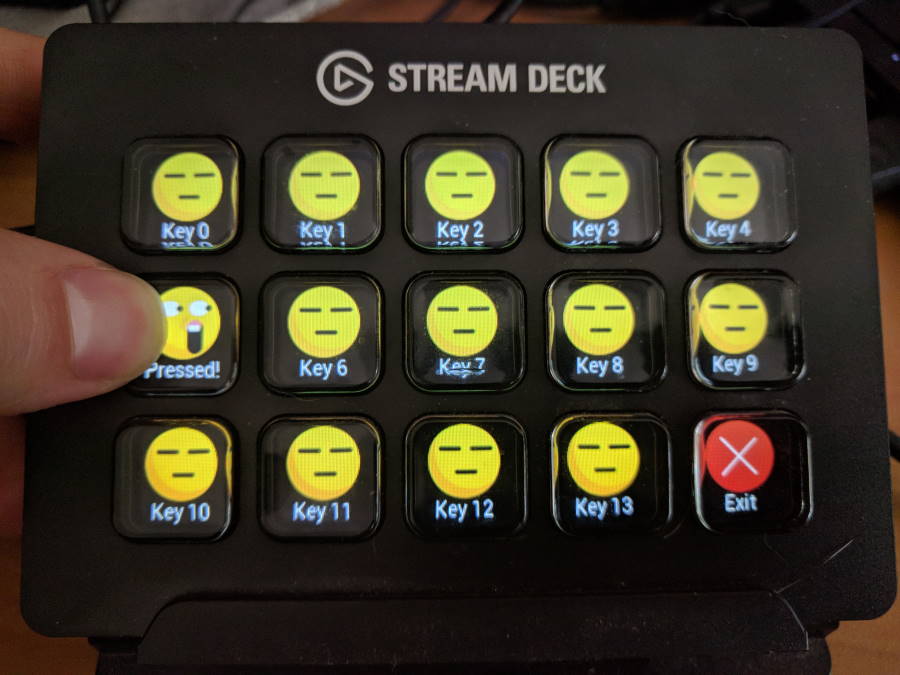
This is an open source Python 3 library to control an Elgato Stream Deck directly, without the official software. This can allow you to create your own custom front-ends, such as a custom control front-end for home automation software.
Index
Installation and Setup
Module Documentation
- 1. Modules: Device Discovery
- 2. Modules: StreamDeck Devices
- 2.1. StreamDeck (Abstract Base)
StreamDeckStreamDeck.close()StreamDeck.connected()StreamDeck.deck_type()StreamDeck.get_firmware_version()StreamDeck.get_serial_number()StreamDeck.id()StreamDeck.is_open()StreamDeck.is_visual()StreamDeck.key_count()StreamDeck.key_image_format()StreamDeck.key_layout()StreamDeck.key_states()StreamDeck.open()StreamDeck.product_id()StreamDeck.reset()StreamDeck.set_brightness()StreamDeck.set_key_callback()StreamDeck.set_key_callback_async()StreamDeck.set_key_image()StreamDeck.set_poll_frequency()StreamDeck.vendor_id()
- 2.2. StreamDeck Original
- 2.3. StreamDeck Mini
- 2.4. StreamDeck XL
- 2.5. StreamDeck Pedal
- 2.1. StreamDeck (Abstract Base)
- 3. Modules: Communication Transports
- 3.1. Transport (Abstract Base)
TransportTransport.DeviceTransport.Device.close()Transport.Device.connected()Transport.Device.is_open()Transport.Device.open()Transport.Device.path()Transport.Device.product_id()Transport.Device.read()Transport.Device.read_feature()Transport.Device.vendor_id()Transport.Device.write()Transport.Device.write_feature()
Transport.enumerate()Transport.probe()
TransportError
- 3.2. ‘LibUSB HIDAPI’ Library Transport
LibUSBHIDAPILibUSBHIDAPI.DeviceLibUSBHIDAPI.Device.close()LibUSBHIDAPI.Device.connected()LibUSBHIDAPI.Device.is_open()LibUSBHIDAPI.Device.open()LibUSBHIDAPI.Device.path()LibUSBHIDAPI.Device.product_id()LibUSBHIDAPI.Device.read()LibUSBHIDAPI.Device.read_feature()LibUSBHIDAPI.Device.vendor_id()LibUSBHIDAPI.Device.write()LibUSBHIDAPI.Device.write_feature()
LibUSBHIDAPI.enumerate()LibUSBHIDAPI.probe()
- 3.1. Transport (Abstract Base)
- 4. Modules: Image Helpers
Library Examples
About